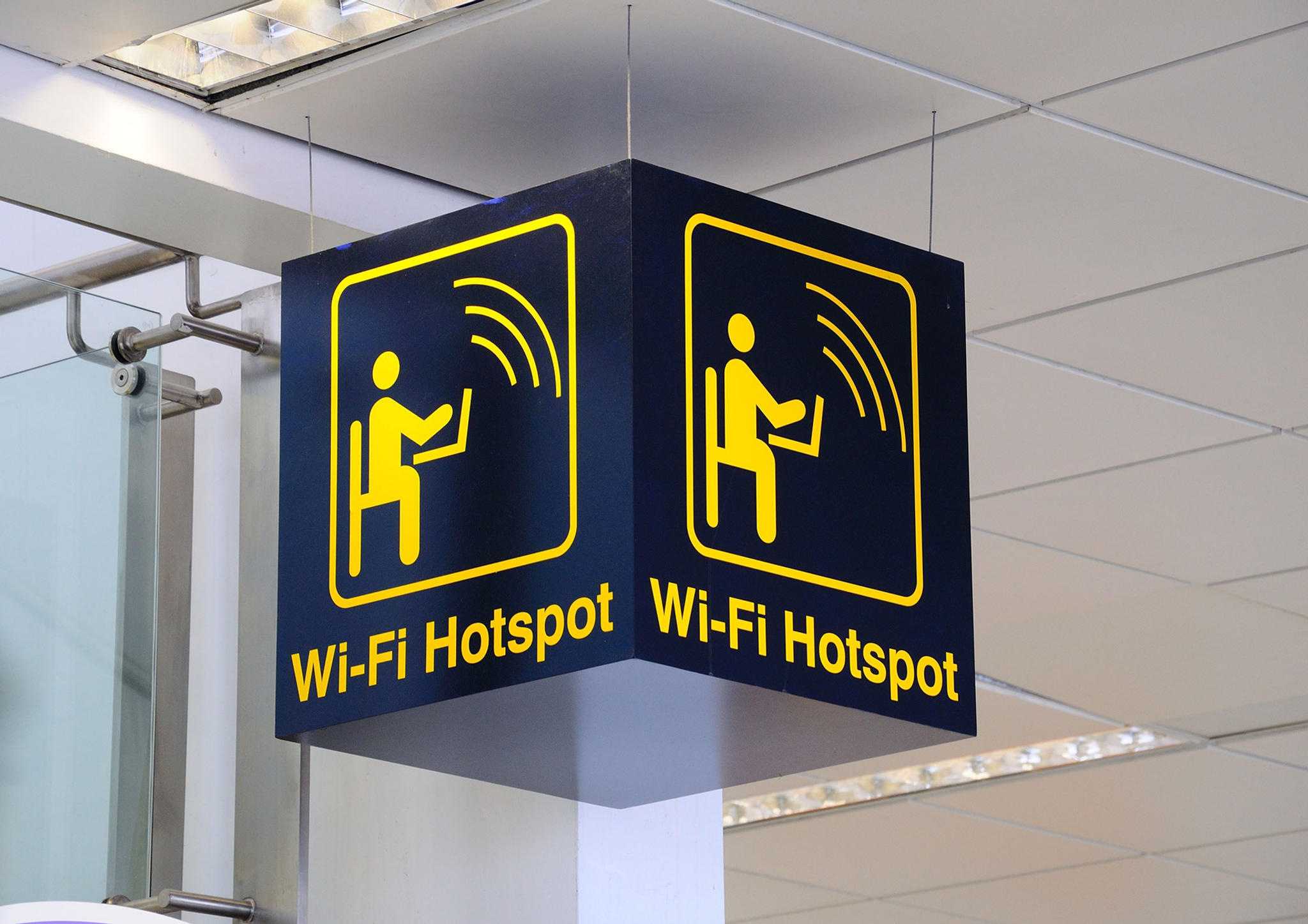

Airport WiFi and Availability
Travelers passing through Melbourne Airport (MEL) can enjoy the convenience of staying online, as the airport provides complimentary WiFi service to all guests and visitors. This service is essential for both leisure and business travelers looking to stay connected.
WiFi Connection Info
The current Network ID for Melbourne Airport's complimentary WiFi is MEL Free WiFi. Please note, the SSID is subject to change, so it's always a good idea to verify the most current information upon arrival.
To connect to the airport's WiFi with your smartphone or laptop, simply follow these steps:
- Navigate to your device's WiFi settings.
- Choose MEL Free WiFi from the list of available networks.
- Launch your web browser, and you should be automatically redirected to the airport's WiFi access page.
- Accept the terms and conditions to gain internet access.
Airline Lounge WiFi
For travelers who have access to airline lounges at Melbourne Airport, additional WiFi services may be available. These exclusive connections often offer faster speeds and a more secure environment. Availability and access details can vary, so it's recommended to contact your airline directly for the most accurate information.
Many lounges provide unique network IDs and passwords to their guests, ensuring a private and secure browsing experience.
Tips & Tricks
While Melbourne Airport's free WiFi is convenient, there are a few tips to enhance your experience and maintain security:
- Always verify the official SSID (WiFi network name) with airport signage or staff to avoid connecting to potentially malicious networks.
- Consider using a VPN (Virtual Private Network) when accessing sensitive information to ensure your data is encrypted and secure.
- Keep an eye on your device's battery life. Melbourne Airport offers charging stations, but having a portable charger can be a lifesaver during busy travel days.
- For any connectivity issues or additional information, Melbourne Airport's customer service desks and official website are valuable resources.
Remember, while the airport strives to provide reliable and fast internet, network speeds can vary based on your location within the terminals and the current number of users. Checking the Airport WiFi Guide for the latest tips and security measures can also enhance your online experience.
Staying informed about the latest WiFi connection details and security practices will ensure a smooth and safe internet experience during your travels through Melbourne Airport.
Last updated: