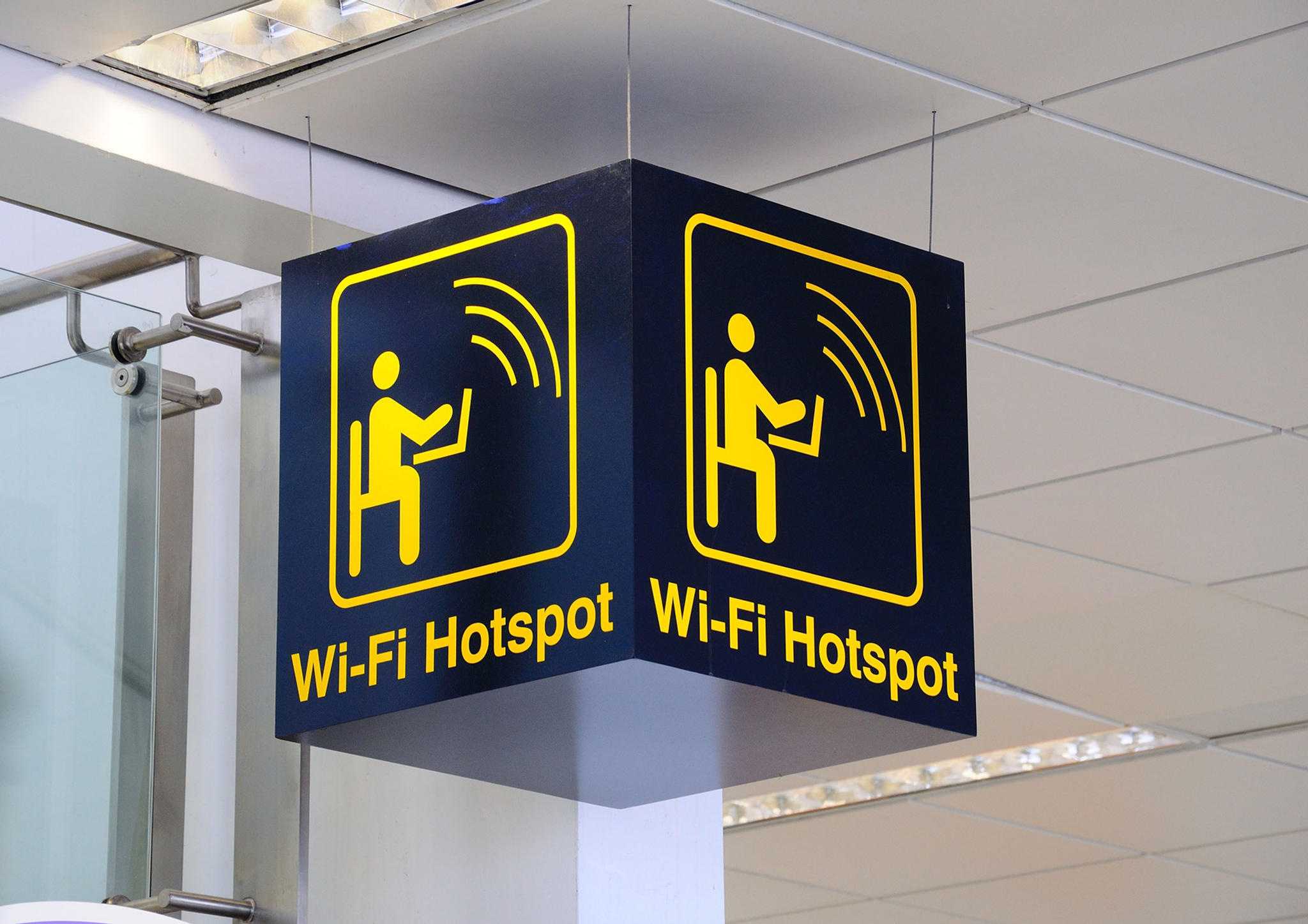

Airport WiFi and Availability
Travelers passing through Portland International Airport (PDX) can enjoy the convenience of staying connected with free WiFi available throughout the airport terminal. The service aims to provide passengers with easy access to the internet for browsing, work, or entertainment while waiting for their flights.
WiFi Connection Info
The current Network ID (SSID) for accessing PDX's WiFi is flypdx. Please note, the SSID is subject to change, so it's advisable to verify this information upon arrival at the airport.
Connecting to the airport's WiFi is straightforward:
- Open your device's WiFi settings.
- Look for the flypdx network and select it.
- If a password is required, it can be obtained from the airport information desk.
- Once connected, you should have access to the internet.
Airline Lounge WiFi
Several airline lounges at PDX offer their exclusive WiFi connections to guests. These lounges provide a more private and quiet environment where you can work or relax before your flight. Access to these lounges is typically available to passengers flying in business or first class, or those with certain membership statuses. It's recommended to check with your airline directly for specific lounge WiFi information and eligibility.
In addition to lounge WiFi, PDX is equipped with numerous charging stations throughout the terminal, ensuring your devices remain charged and ready for use.
Tips & Tricks
For comprehensive details on connecting to airport WiFi, including security precautions and alternative connection options, visit the Airport WiFi Guide. This resource is invaluable for travelers seeking to stay safe and connected while on the go.
When connecting to any public WiFi network, including PDX's, it's wise to use a VPN (Virtual Private Network) for an added layer of security. A VPN encrypts your internet connection, protecting your personal information from potential cyber threats.
Always ensure to verify the latest WiFi SSID and any connection details with the airport, as these can change. The airport information desk and official PDX website are reliable sources for the most current information.
Last updated: